

Description
• Here’s the full feature list of the Talkology Private Chat plugin as it stands now:
Core chat
– Private 1‑to‑1 messaging between accepted contacts only
– Accept/decline contact requests
– Chat creation per contact
– Unread message highlights per contact (persist across devices)
– “Mark all read” action
Messaging features
– Text messaging with auto‑growing input
– Message timestamps (time only)
– Day separators (“Today”, “Yesterday”, date)
– Delete received messages for your side only
– Delete sent messages for your side or both sides
– Delete entire chat
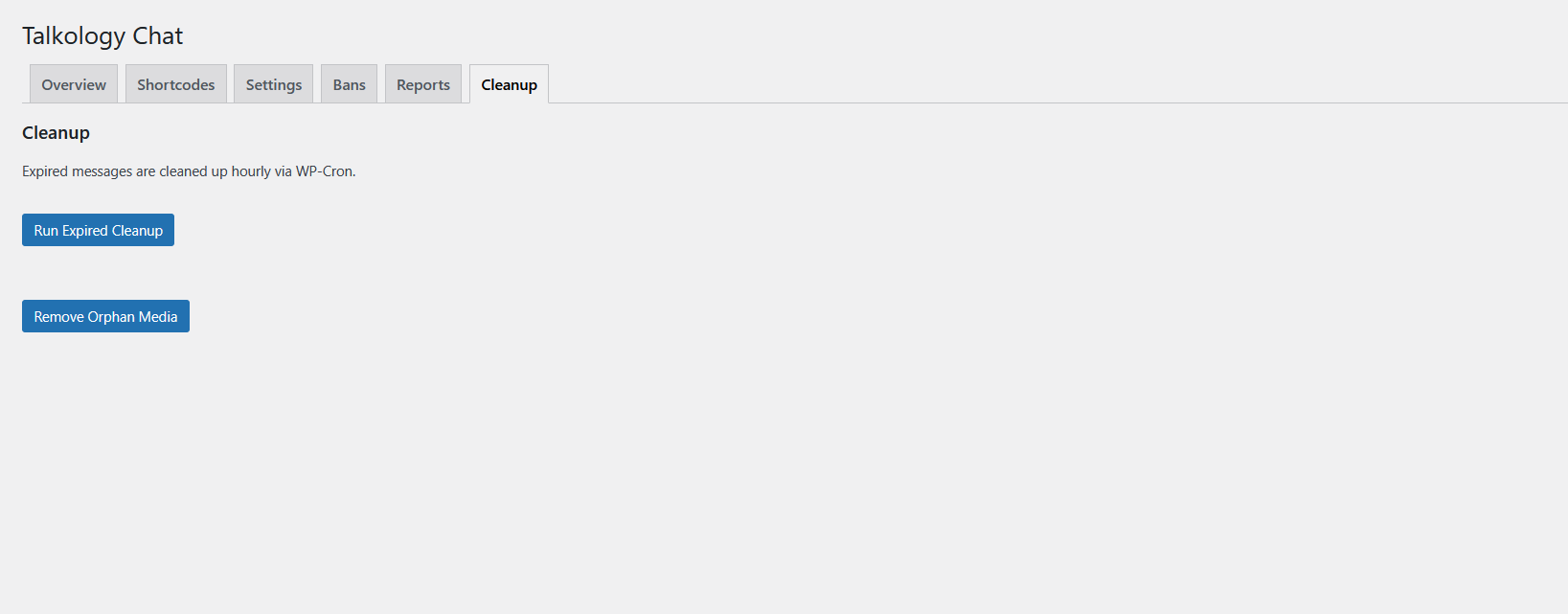
– Disappearing messages (24h / 7d / 30d) with hourly cleanup
Media
– Image / video / voice uploads (size & MIME validation)
– Secure media storage under /uploads/talkology/
– Tokenized media access endpoint
Notifications
– “New message” toast for active chat
– Optional browser notification permission
– Notification toggle (stored in localStorage)
Typing indicator
– “User is typing…” below the chat header
– Uses transient‑based status via REST
User directory
– Search users and send contact requests
– Status tags (Requested, Contact, Incoming)
UI/UX
– Modern responsive layout (desktop + mobile)
– Dark/Light mode toggle
– Settings panel in header (gear)
– Sidebar collapse on mobile + Back button
– Contact search and message search
– Branding support: logo or “Talkology”
– Footer: talkology.com, version, copyright
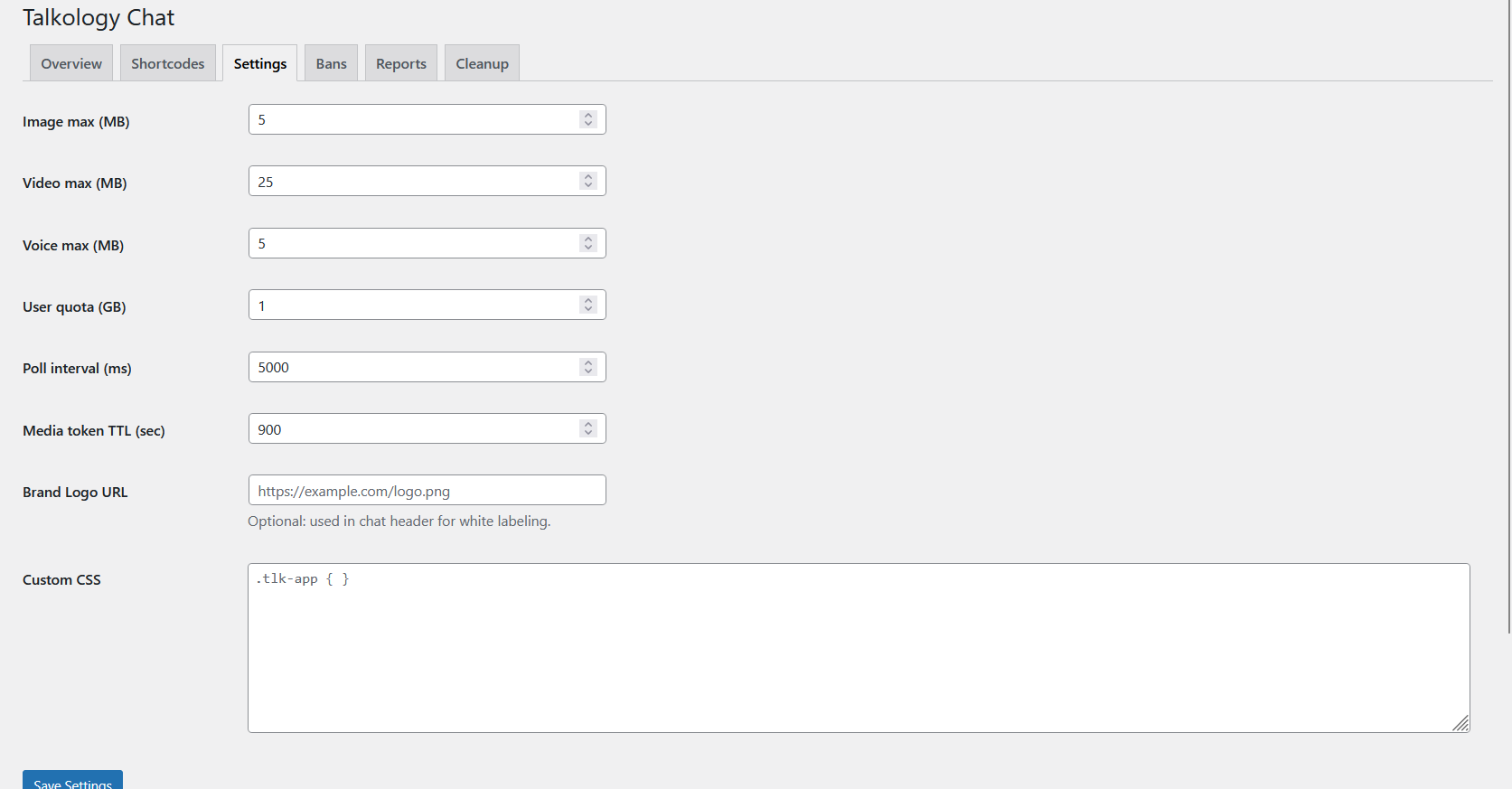
– Admin‑editable Custom CSS
Shortcodes
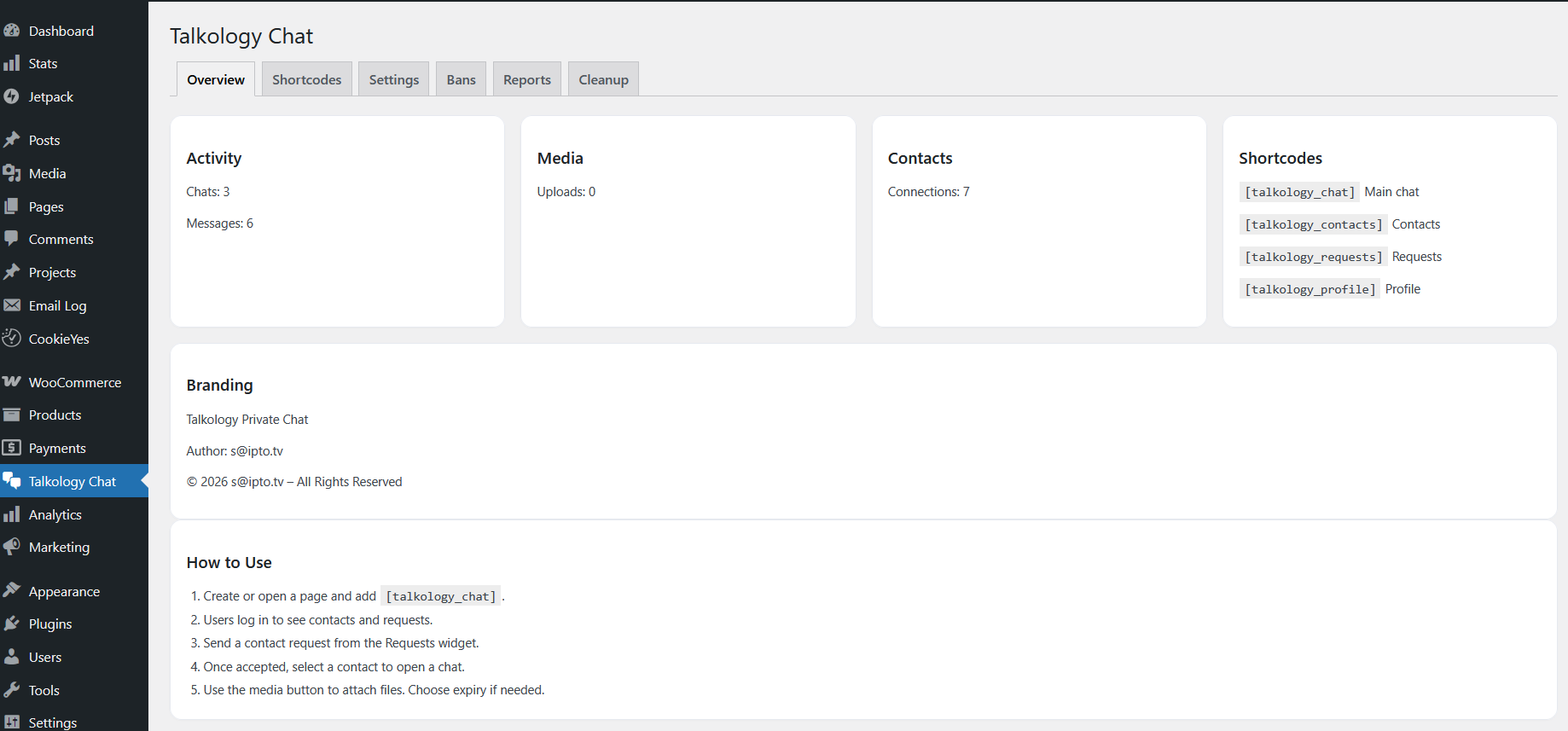
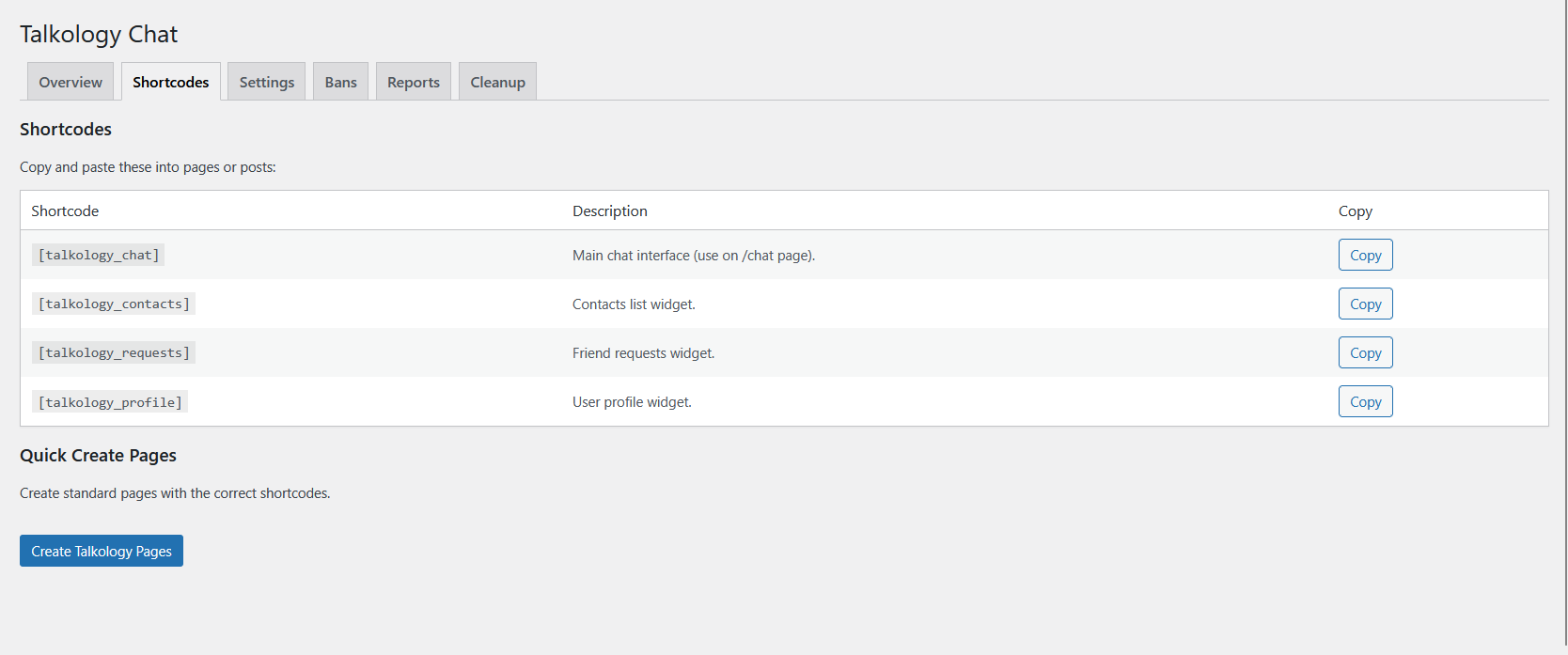
– [talkology_chat] main chat UI
– [talkology_contacts] contacts widget
– [talkology_requests] requests widget
– [talkology_profile] profile widget
Admin panel (WP Admin → Talkology Chat)
– Overview (stats + shortcodes + usage steps + branding)
– Shortcodes tab + copy buttons + quick page creation
– Settings (limits, polling, token TTL, brand logo, custom CSS)
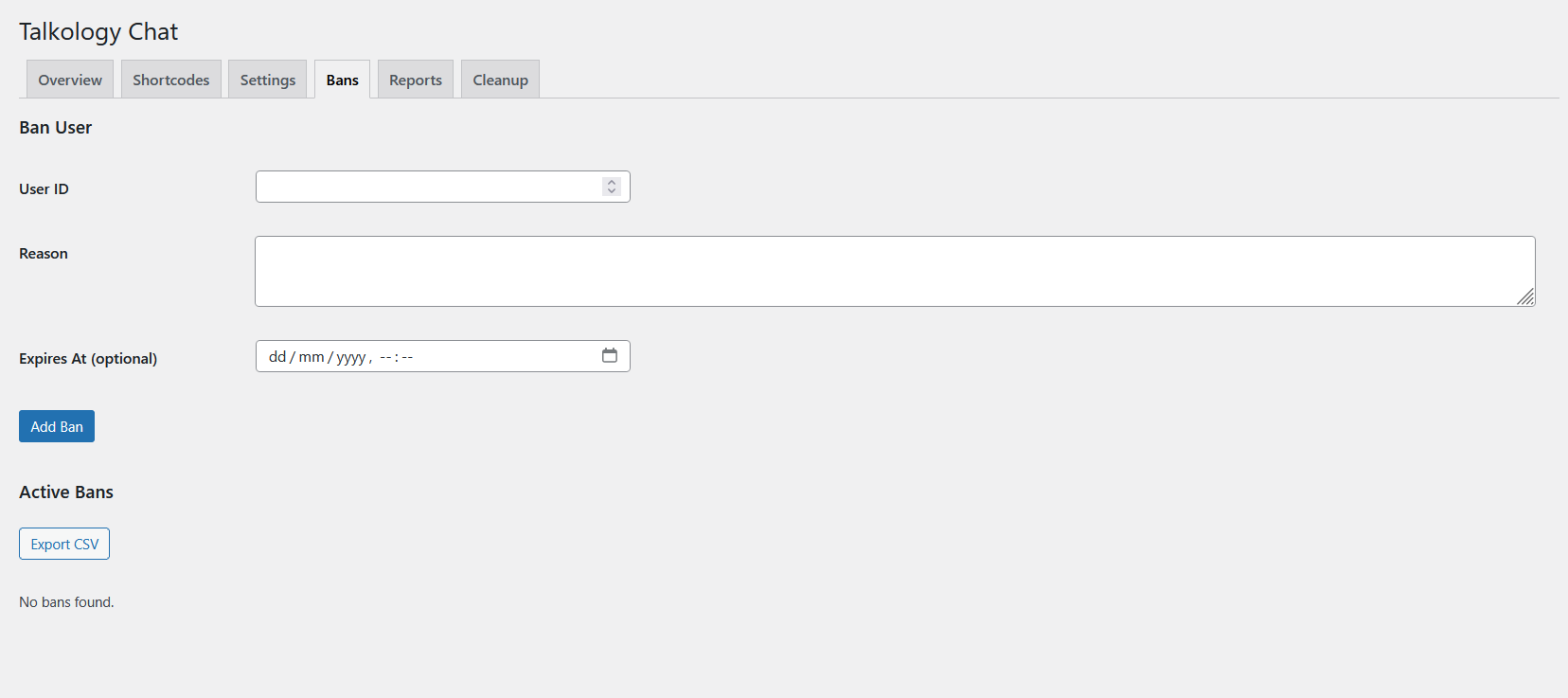
– Bans (add/remove + export CSV)
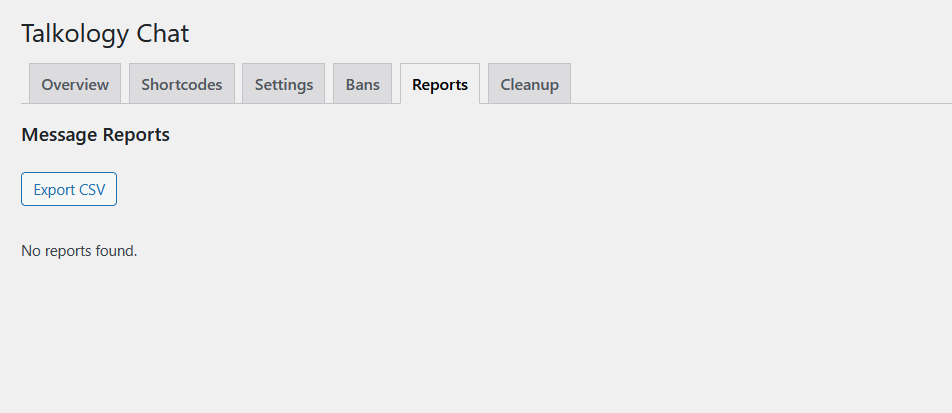
– Reports (resolve + export CSV)
– Cleanup (expired messages + orphan media)
– User activity stats (counts)
Security
– WordPress login required
– REST nonce + JWT option
– Rate limiting (messages/uploads)
– MIME/type validation
– Access control on chats and media
Database tables
– wp_tlk_contacts
– wp_tlk_chats
– wp_tlk_messages (includes delete flags)
– wp_tlk_media
– wp_tlk_settings
– wp_tlk_bans
– wp_tlk_reports
– wp_tlk_chat_reads